Quick Answer
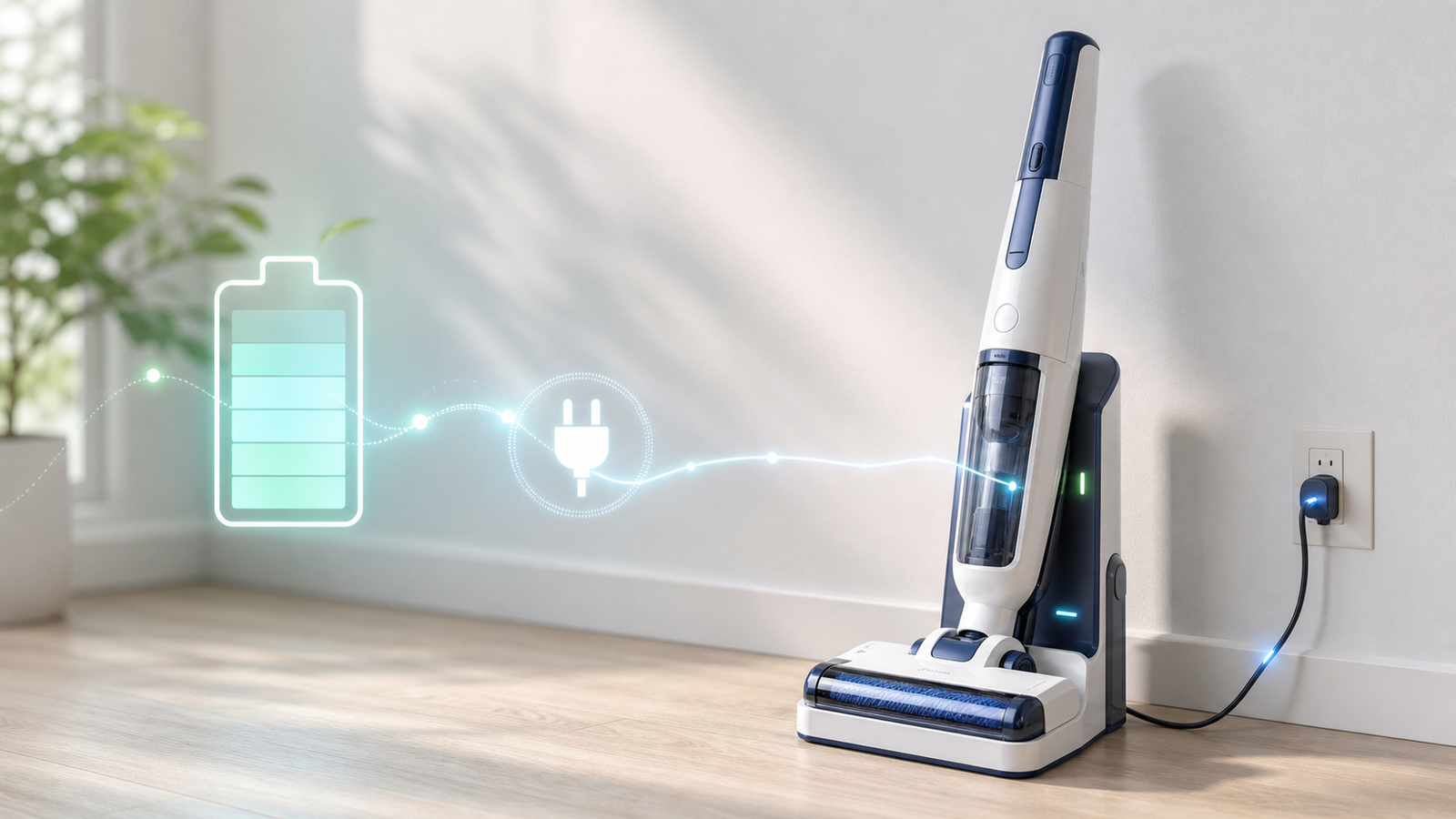
To charge a Tineco vacuum, dock the unit on its charging base (or plug the charging cable directly into the vacuum's charging port) and connect the adapter to a wall outlet. Most Tineco models take 3 to 4 hours for a full charge from empty. A pulsing or flashing light means it's charging; a solid light for about five minutes means it's done. If your Tineco won't charge, the most common causes are dirty charging contacts, a faulty adapter, or a battery that's deeply drained and needs a "wake-up" charge.
Key Takeaways
- Most Tineco vacuums, including the A11, S3, S5, S11, S12, and iFloor 3, need 3–4 hours to charge fully from empty.
- A flashing or "breathing" light means the battery is charging; a steady light for roughly 5 minutes signals a full charge, after which it turns off.
- You do not need the wall mount to charge — the charging cable can plug straight into an outlet.
- Most Tineco models can't be used while actively charging; a few smart models support brief charge-and-clean cycles, but check your manual.
- Common "won't charge" fixes: clean the metal contacts, try a different outlet, let it rest if it's overheated, and give a fully dead battery 10–15 minutes before expecting the indicator to respond.
- For long-term battery health, avoid letting the battery hit 0% regularly and store it around 50% charge if it won't be used for months.
- If nothing works, Tineco's battery protection system may have triggered a safety lock — contact Tineco support for a warranty check.
What Does "Charging a Tineco Vacuum" Actually Involve?
Charging a Tineco vacuum means connecting its lithium-ion battery to power through either a wall-mounted charging dock or a direct charging cable, until the onboard indicator confirms a full charge. Nearly every cordless Tineco model — from the PURE ONE stick vacuums to the FLOOR ONE wet/dry series — uses this same basic setup, just with small variations in cable design and indicator style.
Tineco vacuums are popular because they're cordless, powerful, and packed with attachments for different floor types. That convenience depends entirely on a battery that's charged correctly, so getting the charging routine right protects both your cleaning schedule and the battery's long-term lifespan.
How to Charge a Tineco Vacuum (Step-by-Step)
Charging any Tineco model follows the same core steps, whether you own a stick vacuum or a floor washer.
- Turn off the vacuum. Make sure the power trigger or button is off before connecting it to power.
- Locate the charging port or dock. On stick vacuums, this is usually a port near the base of the handle or battery pack. On FLOOR ONE and other wet/dry models, it's typically a wall-mounted charging dock.
- Connect the adapter. Plug the charging cable into the vacuum (or set the vacuum onto the dock), then plug the adapter into a working wall outlet.
- Watch the indicator light. A flashing, pulsing, or "breathing" light confirms charging has started.
- Let it charge fully. Leave it undisturbed for 3–4 hours (see model-specific times below).
- Check for the "fully charged" signal. The light turns solid for about 5 minutes, then switches off, or the digital display reads 100%.
- Unplug and store. Disconnect the vacuum and store it in a cool, dry area away from direct sunlight or heat sources.
Can You Charge a Tineco Vacuum Without the Wall Mount?
Yes. The charging adapter Tineco includes is a standalone unit — it plugs directly into any wall outlet, so you can charge the vacuum on a countertop, in a closet, or in another room entirely without installing the wall mount. The wall mount is a storage convenience, not a charging requirement.
How Long Does It Take to Charge a Tineco Vacuum?
Most Tineco vacuums take 3 to 4 hours to charge fully from a completely empty battery, though the exact time depends on the model and battery capacity.
| Tineco Model / Series | Typical Full Charge Time |
|---|---|
| PURE ONE A11 series | 3.5–4 hours |
| PURE ONE S11 / S12 | 3–4 hours |
| FLOOR ONE S3 | 3–3.5 hours |
| FLOOR ONE S5 | 3–3.5 hours |
| iFloor 3 | 3–4 hours |
| FloorWasher FlashDry 6 Series | 4–5 hours |
These figures are general guidelines. Always check your specific model's user manual for the manufacturer's exact spec, since battery capacity and charging circuitry can differ between generations of the same series.
How Do You Know When a Tineco Is Fully Charged?
You'll know your Tineco is fully charged in one of two ways, depending on the model:
- Indicator light models: The light pulses or flashes while charging, turns solid for roughly 5 minutes once full, then goes dark.
- Digital display models: The handle screen shows a percentage readout, letting you watch the charge climb to 100% in real time.
Either way, it's best to leave the vacuum connected until you see the "fully charged" signal rather than guessing based on time alone, since charge speed can vary with battery age and starting charge level.
Tineco Charge Time by Popular Model
Different Tineco lines are built for different jobs — dry vacuuming, wet-and-dry floor washing, or handheld cleanup — and that affects both battery size and charge time.
Tineco A11 Charge Time
The A11 series is a cordless stick vacuum built for dry cleaning across carpet and hard floors. A full charge typically takes 3.5 to 4 hours, and Tineco recommends an initial 3–4 hour charge before first use to condition the battery.
Tineco S12 Charge Time
The PURE ONE S12 pairs a high-output digital motor with a battery that generally reaches full charge in 3 to 4 hours. Like other PURE ONE models, it includes a battery protection system that automatically halts charging once the battery is full, which helps prevent overcharging damage.
Tineco S3 and S5 Charge Time
The FLOOR ONE S3 and S5 are wet/dry vacuum-mop hybrids. Both typically charge in 3 to 3.5 hours and use a wall-mounted dock as the primary charging method, with an LED or icon-based display to show status.
Tineco iFloor 3 Charge Time
The iFloor 3 is a simpler wet/dry floor washer that generally charges in 3 to 4 hours, using the same dock-based charging setup as its FLOOR ONE relatives.
Tineco Vacuum Mop Charge Time
Tineco's vacuum-mop hybrids as a category generally land in the 2 to 4 hour range for a full charge, with most falling closer to 3–3.5 hours in practice. Smart charging circuitry in these models is designed to stop the charge automatically once the battery is full, protecting the cell from overcharging.
Why Won't My Tineco Charge? (Troubleshooting Guide)
If your Tineco vacuum won't charge, the light won't turn on, or the battery drains quickly right after charging, work through these checks in order before assuming the battery is dead.
- 1. Check the Power Source First
Plug a different device, like a phone charger, into the same outlet to confirm it's actually delivering power. A dead outlet or an overloaded power strip is one of the most overlooked reasons a Tineco "won't charge" at all. - 2. Clean the Charging Contacts
Dust and residue on the metal charging pins — on both the vacuum and the dock — can block the connection entirely. Wipe both contact points with a dry microfiber cloth, or a cloth lightly dampened with rubbing alcohol, and let them dry completely before reconnecting. - 3. Inspect the Charger and Cable
Look for frayed cords, bent pins, or visible damage on the adapter itself. A faulty charger won't deliver consistent current, which can look like a battery problem when it's actually a cable problem. Replace it with an official Tineco charger rather than a generic third-party one. - 4. Give a Fully Dead Battery Time
If the battery has been completely drained for a while, the charging circuit may need several minutes of connection before it "wakes up" and the indicator responds. Leave it connected for 10–15 minutes before troubleshooting further. - 5. Watch for Thermal Protection
Tineco batteries include built-in thermal protection. If the vacuum was used heavily or stored somewhere hot, the battery may pause charging until it cools to a safe temperature. Let it rest at room temperature for 30–60 minutes, then try again. - 6. Try a Soft Reset
Some models support a reset by holding a button combination (check your manual for the exact sequence). This can clear a stuck error state without affecting the battery itself. - 7. Clear Any "Needs Cleaning" Alerts
On some FLOOR ONE and FlashDry models, a persistent cleaning alert can block charging until it's resolved. Remove and clean the filter, dustbin, and brush roll, then reconnect the charger. - 8. Contact Tineco Support
If none of the above resolves it, the battery may have degraded past the point of holding a charge, or there may be an internal fault. Tineco support can walk through warranty coverage or replacement battery options for models like the A11, S3, and S5.
Tineco Not Holding a Charge? Here's Why
A Tineco that charges fully but drains unusually fast afterward is a slightly different issue than one that won't charge at all — it usually points to battery wear rather than a connection problem.
- Battery age and cycle count: Lithium-ion batteries naturally lose capacity after hundreds of charge cycles, so a Tineco used daily for a couple of years may simply hold less charge than it did new.
- Repeated full discharges: Regularly running the battery down to 0% before recharging accelerates capacity loss compared to charging more often at partial levels.
- Heat exposure: Storing the vacuum near a heat source or in direct sun speeds up battery degradation over time.
If your battery is removable, Tineco and third-party sellers offer official replacement batteries for most popular series, which is often more cost-effective than replacing the whole unit.
How to Charge a Tineco Vacuum the Right Way (Battery Care Tips)
A few habits go a long way toward keeping your Tineco's battery healthy for years rather than months.
- Avoid letting it hit 0% regularly. Try to recharge somewhere between 20% and 80% rather than always running it to empty.
- Don't leave it charging indefinitely out of habit. Tineco's battery protection stops the charge automatically at 100%, but unplugging once fully charged is still good practice.
- Store it at partial charge for long breaks. If you won't use the vacuum for a few months, keep the battery around 50% rather than fully charged or fully drained.
- Keep it cool and dry. Extreme heat or humidity accelerates battery wear.
- Use only the official Tineco charger. Third-party chargers may not match the voltage or current the battery management system expects.
Frequently Asked Questions
Key Takeaways Recap
- Full charge time: 3–4 hours for most models; up to 4–5 hours for larger wet/dry units.
- No wall mount required — the adapter plugs directly into an outlet.
- Solid light for ~5 minutes (or 100% on-screen) = fully charged.
- "Won't charge" is usually contacts, cable, outlet, or a deeply drained battery — rarely a dead unit.
- "Won't hold a charge" points to battery wear, not a connection issue.
- Keep the battery between 20–80% day-to-day; store at ~50% for long breaks.