Quick Answer
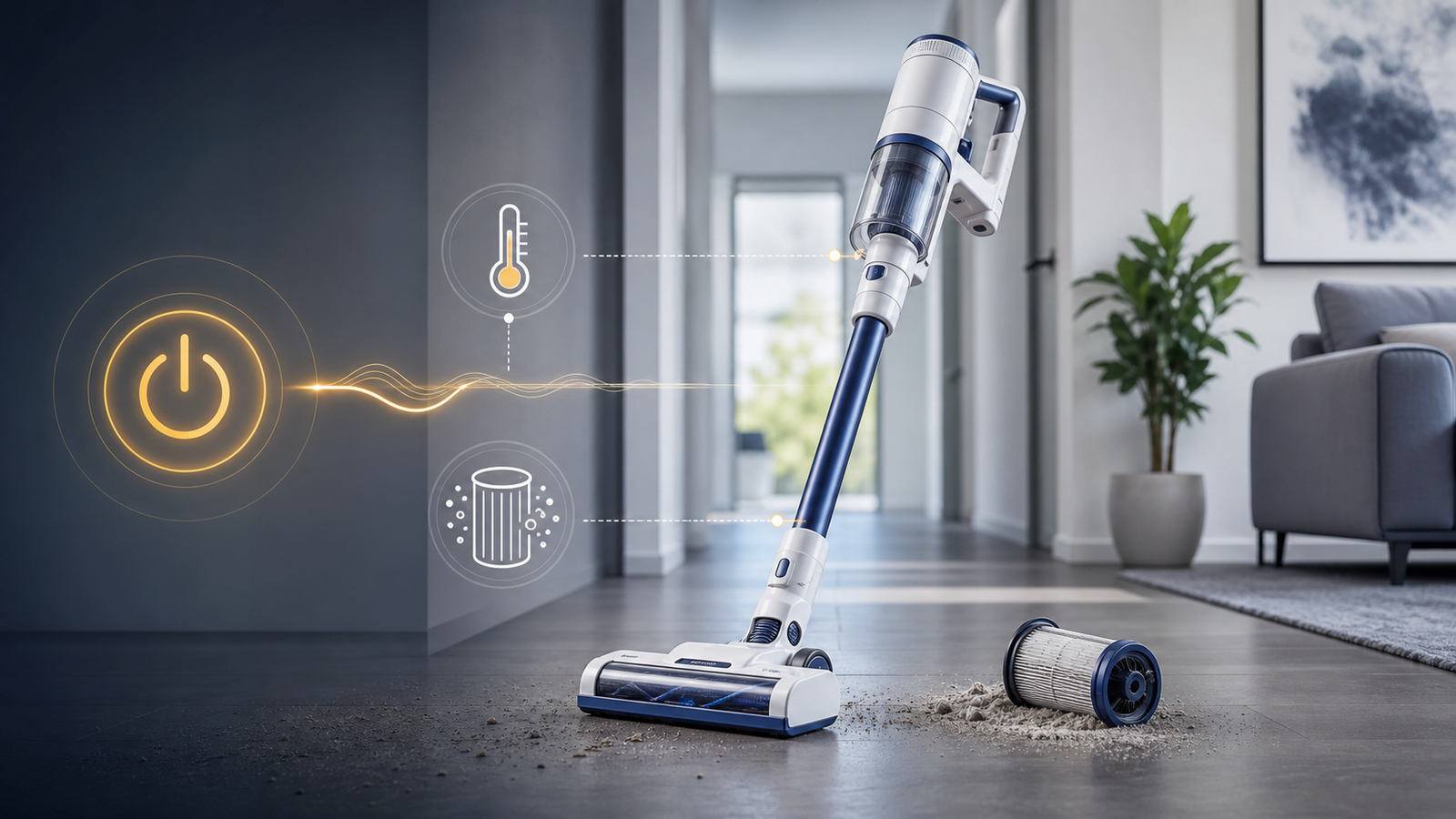
A Tineco A10 vacuum that keeps shutting off is almost always caused by a safety cutoff, not a broken machine. The three most common triggers are: (1) a clogged brushroll, filter, or dustbin overheating the motor, (2) a low, damaged, or poorly seated battery, and (3) a blocked airflow path tripping the thermal sensor. Clear all blockages, clean the filter, let the unit cool for 30–60 minutes, and fully charge the battery before testing again. Most units power back on normally once the blockage and heat issue are resolved.
Key Takeaways
- Overheating protection is the #1 cause. The Tineco A10's motor has a built-in thermal cutoff that shuts the vacuum off automatically to prevent damage.
- Clogs are the #1 trigger of overheating. Check the brushroll, dustbin, filter, and hose every time the unit shuts off.
- Battery issues are the #2 cause. Low charge, worn-out cells, or dirty charging contacts can all mimic a "random shutdown."
- Filters need weekly attention. A dirty HEPA filter restricts airflow and forces the motor to work harder, which speeds up overheating.
- Cooldown matters. After a thermal shutdown, give the A10 at least 30 minutes to cool before restarting — forcing it back on can shorten motor life.
- Most fixes take under 15 minutes and require no tools beyond a cleaning brush and a dry cloth.
- If shutdowns continue after cleaning and a full charge, the battery or motor may need professional service or replacement.
What Does It Mean When a Tineco A10 Keeps Shutting Off?
When a Tineco A10 shuts off unexpectedly, it means the vacuum's internal safety system has detected a problem — usually heat buildup, restricted airflow, or a battery fault — and cut power to protect the motor. It is a protective response, not typically a sign of permanent failure.
Tineco designed the A10 series with automatic shutoff protection similar to other cordless stick vacuums. This is a deliberate safeguard: continuing to run an overheated or blocked motor can burn out the windings or damage the battery cells permanently. So while a shutdown is annoying mid-clean, it's the vacuum protecting itself.
Why Does My Tineco A10 Keep Shutting Off? (Top Causes)
1. Clogged Brushroll or Hose
A blocked brushroll is the single most common reason a Tineco A10 shuts off during use. Hair, carpet fibers, and debris wrap around the roller, forcing the motor to strain against resistance it isn't designed for.
When the brushroll can't spin freely, the motor draws more current and heats up faster than normal. Within a minute or two of restricted rotation, the thermal sensor trips and the unit powers down — often right in the middle of a room.
How to check it:
- Flip the vacuum over and remove the brushroll cover.
- Look for wrapped hair, string, or fibers along the length of the roller.
- Cut away tangled debris with scissors (most A10 models include a small cleaning tool for this).
- Check the hose and wand for lodged objects by holding them up to light.
2. Full or Clogged Dustbin and Filter
A full dustbin or dirty filter restricts airflow, which raises internal temperature and triggers the same thermal shutoff as a brushroll clog.
The A10's filtration system pulls air through a HEPA-style filter to trap fine dust. When that filter clogs with dust, the motor has to work harder to pull air through, generating extra heat in the process. Emptying the bin at the "MAX" line and rinsing the filter monthly prevents this from building up unnoticed.
Fix it in 3 steps:
- Remove the dustbin and empty it completely — don't wait until it hits the max line.
- Pull out the filter and tap out loose debris, or rinse under cool water if it's washable.
- Let the filter air-dry fully (at least 24 hours) before reinserting — a wet filter restricts airflow just as much as a dirty one.
3. Low, Faulty, or Poorly Seated Battery
If the Tineco A10 shuts off within seconds of powering on, the battery is usually the culprit rather than overheating. A weak charge, degraded battery cells, or a loose connection between the battery and the main unit can all cause instant or near-instant shutdowns.
Lithium batteries in cordless vacuums naturally lose capacity over 18–24 months of regular use. If your A10 is a couple of years old and the runtime has noticeably dropped alongside the shutoffs, battery wear is a likely factor.
Battery troubleshooting checklist:
- Charge the vacuum for a full charge cycle using only the original Tineco adapter.
- Confirm the charging indicator light behaves normally (steady or blinking per your model's manual — irregular blinking can flag a charging fault).
- Remove and firmly reseat the battery pack to rule out a loose connection.
- Inspect the charging contacts on both the battery and the dock for dust, lint, or corrosion, and wipe them with a dry cloth.
- If the vacuum still won't hold a charge or dies almost immediately after a full charge, the battery itself likely needs replacing.
4. Motor Overheating from Continuous High-Power Use
Running the A10 on Max/Boost mode for extended periods generates more heat than the motor can dissipate quickly, especially on thick carpet. This is a normal design limitation, not a defect — high-suction cordless motors are built for short bursts of maximum power, not continuous heavy-duty use.
If shutdowns tend to happen after several uninterrupted minutes on the highest power setting, switch to a standard or eco mode for larger areas and reserve Max mode for spot-cleaning.
5. Damaged Power Cord, Adapter, or Charging Port
A frayed cord, a failing wall adapter, or debris inside the charging port can prevent the battery from charging correctly, which shows up later as unexpected shutoffs during use. Inspect the adapter cable for visible damage and confirm the wall outlet itself is working by testing another device in it.
How to Fix a Tineco A10 That Keeps Shutting Off: Step-by-Step
- Power off and unplug the vacuum before inspecting anything.
- Empty the dustbin completely, even if it isn't full — packed debris restricts airflow more than it looks like it should.
- Remove and clean the filter. Tap out dry debris or rinse if washable, then air-dry for 24 hours.
- Check the brushroll for tangled hair or fibers and clear it with the included tool or scissors.
- Inspect the hose and wand for blockages by shining a light through them.
- Let the unit cool for 30–60 minutes if it shut off due to heat.
- Reseat the battery firmly and check the charging contacts for debris.
- Fully charge the battery using the original Tineco charger before testing again.
- Test on a lower power mode first to confirm the fix before returning to Max mode.
- Contact Tineco support if shutdowns continue after all of the above — this points to a battery or motor issue needing parts replacement.
Common Mistakes That Make the Problem Worse
- Forcing the vacuum back on immediately after a shutdown. This can push an already-hot motor past safe limits.
- Running the brushroll while visibly tangled. Continuing to use it strains the motor and can damage the roller's belt or gears.
- Ignoring the filter for months. A neglected filter is one of the most preventable causes of chronic overheating.
- Using a third-party charger. Non-Tineco adapters can charge incorrectly or fail to communicate properly with the battery's safety circuitry.
- Storing the vacuum with a wet filter. This invites both mold and airflow blockage.
Preventive Maintenance Schedule
| Task | Frequency |
|---|---|
| Empty dustbin | After every use, or when it reaches the MAX line |
| Clean/rinse filter | Every 2–4 weeks |
| Check brushroll for tangles | Every 1–2 weeks with regular use |
| Wipe charging contacts | Monthly |
| Full battery charge cycle | Before long storage periods |
| Inspect hose/wand for blockages | Monthly or when suction weakens |
When to Contact Tineco Support or Consider a Replacement Battery
If you've cleaned every component, let the unit cool, fully charged the battery, and the A10 still shuts off within a minute or two of use, the issue is most likely a degraded battery or an internal motor fault — both of which are best handled through Tineco's official support channel or an authorized repair service, especially if the unit is still under its warranty period. Attempting to open the motor housing yourself typically voids the warranty.